- 如何用bootstrap製作RWD網站
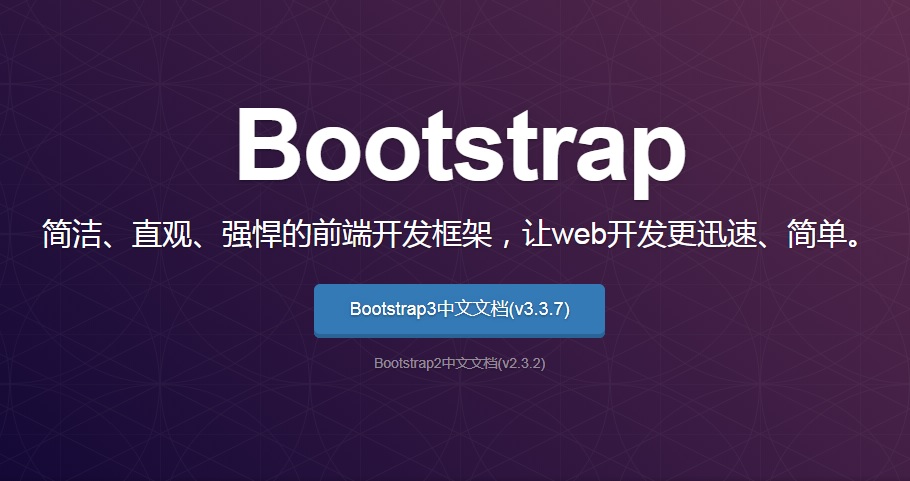
首先先到BootStrap網站下載開源碼
https://v3.bootcss.com/getting-started/#download
然後把檔案放到根目錄的 CSS 及 js 目錄下
打開檔頭在head中
加入下面代碼
- bootstrap.css" rel="stylesheet">
紅色這行很重要一定要加入 不然手機瀏覽時不會自動縮放
完成
介紹
預編譯版 下載壓縮包之後,將其解壓縮到任意目錄即可看到以下(壓縮版的)
目錄結構:
bootstrap/
├── css/
│   ├── bootstrap.css
│   ├── bootstrap.css.map
│   ├── bootstrap.min.css
│   ├── bootstrap.min.css.map
│   ├── bootstrap-theme.css
│   ├── bootstrap-theme.css.map
│   ├── bootstrap-theme.min.css
│   └── bootstrap-theme.min.css.map
├── js/
│   ├── bootstrap.js
│   └── bootstrap.min.js
└── fonts/
    ├── glyphicons-halflings-regular.eot
    ├── glyphicons-halflings-regular.svg
    ├── glyphicons-halflings-regular.ttf
    ├── glyphicons-halflings-regular.woff
    └── glyphicons-halflings-regular.woff2
bootstrap, RWD, NetYea, 新竹網頁設計, 新竹網頁
- NetYea, 公司形象網站, bootstrap, RWD, 可適應式網站
